
Your phone will never replace gardening instinct, but it can be surprisingly useful when a leaf looks wrong, a plant name disappears from memory, or you need a quick answer with soil on your hands.
By mid-May, the garden is suddenly full of decisions. Tomato plants are almost ready to move outdoors, flower beds are filling out, pests are waking up, and every spare corner of a raised bed seems to raise a new question.
Gardening is still best learned with your hands in the soil, but Google’s newer search tools – from Lens to AI-powered summaries and screen-based search – can make everyday garden problem-solving faster. Some features depend on your country, language, device or account settings, so they are best treated as helpful assistants rather than final authorities. Google Lens, for example, is designed to let users search with a camera, image or screenshot, while AI Overviews and Circle to Search are rolling out with different availability by region and device.
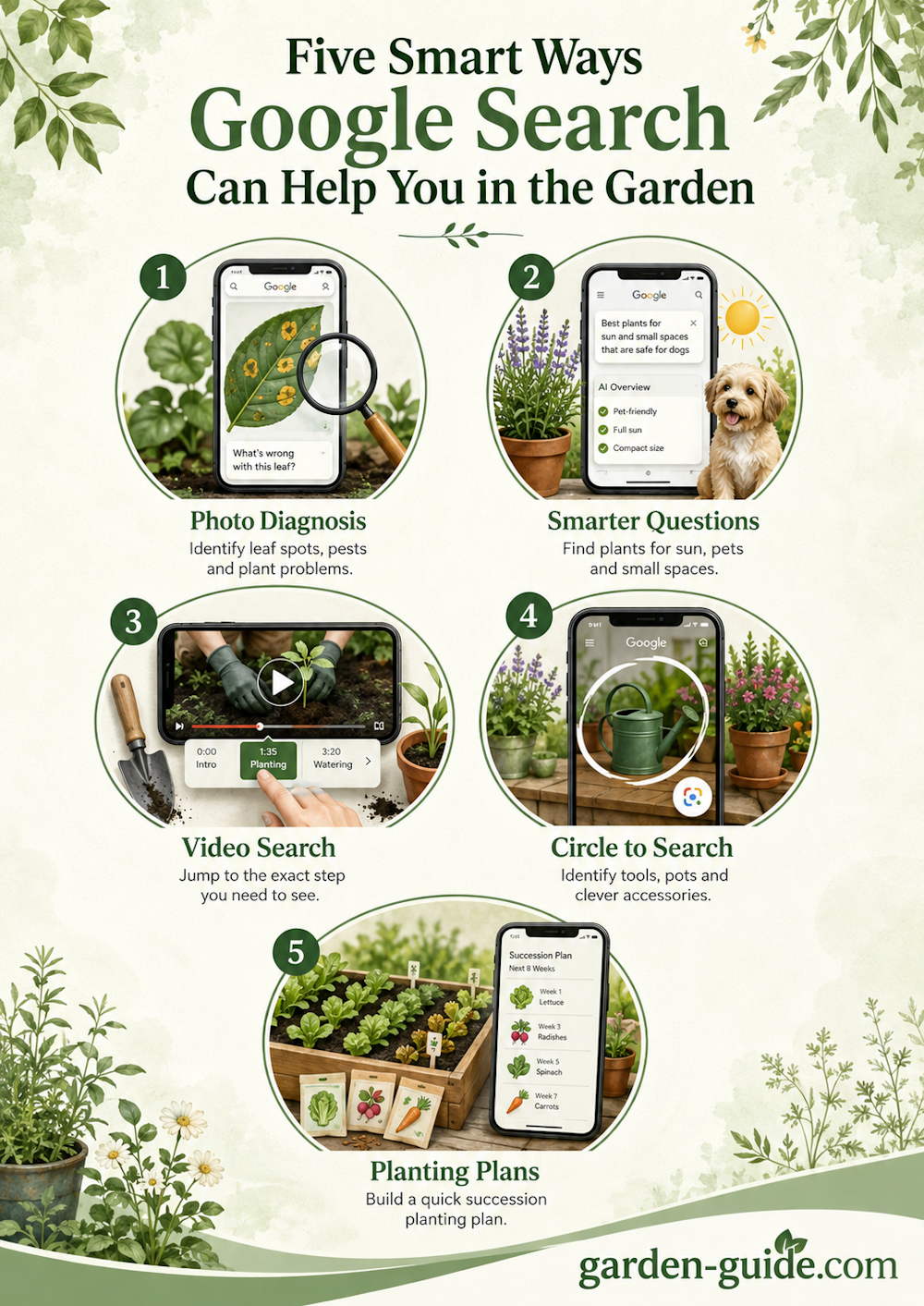
Here are five practical ways to use them in the garden.
1. Google Lens: Identify a Problem From a Photo
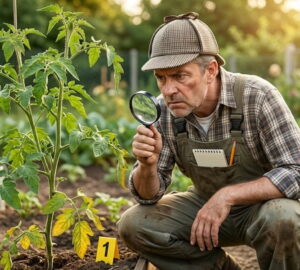
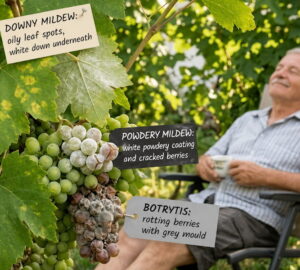
Every gardener knows the moment: a strange yellow patch on a currant leaf, a curled tomato shoot, a caterpillar on the cabbage, or a suspicious mark on a rose. Searching by words alone can be difficult, especially when you do not know what you are looking at.
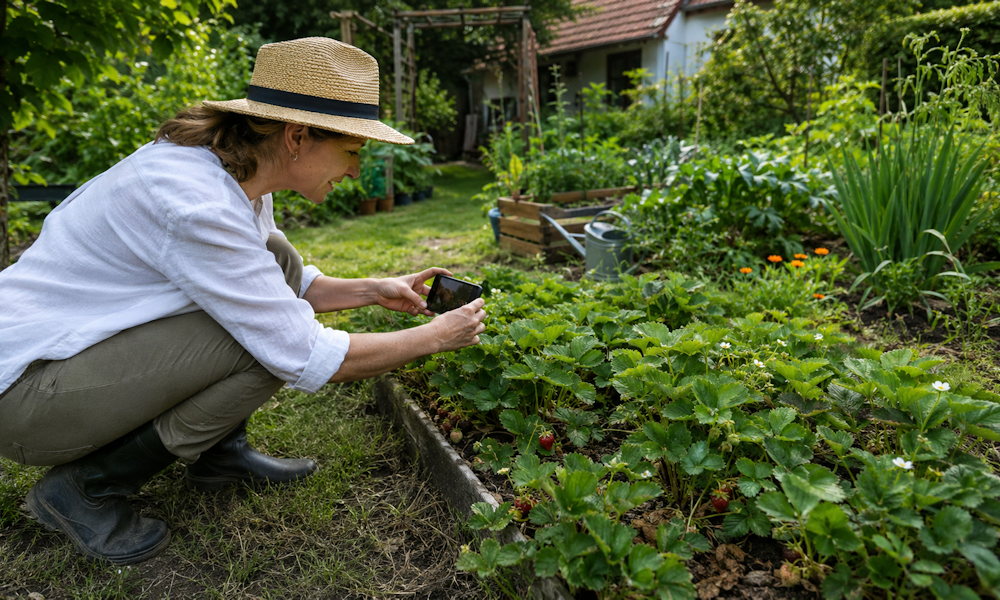
This is where Google Lens can help. Take a clear photo of the affected leaf, stem, fruit or insect, then use visual search to find similar images and related information. Lens can be useful for narrowing down possibilities, such as whether you may be looking at nutrient stress, pest damage, a fungal issue or something harmless.
It is still worth checking more than one source, especially before treating edible crops. A quick visual match can point you in the right direction, but plant diseases and deficiencies often look similar.
How to Try It
Open the Google app, tap the Lens or camera icon in the search bar, photograph the problem area in good light, and compare the results carefully.
2. AI Overviews: Ask More Detailed Plant Questions
Traditional search often works best with short keywords. But gardening questions are rarely that simple. You may not just want “sun-loving flowers” – you may want a plant for a hot balcony, safe around dogs, flowering in early summer, and suitable for containers.
AI-powered search summaries, where available, can be useful for this kind of layered question. Instead of giving only a list of links, the search result may offer a short overview that compares possible answers and points to source pages.
For gardeners, this can be helpful when choosing plants with several constraints: sun exposure, soil type, pet safety, flowering season, height, drought tolerance or container suitability.
How to Try It
Search for something specific, such as: “full sun container plants safe for dogs that flower in June”. Then use the summary as a starting point, not a final planting plan.
3. Video Search: Find the Right Moment in a Gardening Video
Some garden tasks are much easier to understand when you see them done. Pruning, tying in tomatoes, thinning seedlings, dividing perennials or setting up a small pond can be hard to follow from diagrams alone.
The problem is time: you may not want to watch a 20-minute video just to find the exact pruning cut or planting technique. Google and YouTube search can often help surface relevant video sections, chapters or moments within a video, depending on the content and how it has been indexed.
This is especially useful for practical tasks where the movement matters: where to cut, how deep to plant, how to hold a stem, or what “pinching out” actually looks like.
How to Try It
Search for a specific action rather than a general topic. Instead of “grape pruning”, try “where to cut grapevine green shoots” or “how to pinch out tomato side shoots”.
4. Circle to Search: Search for a Garden Object on Your Screen
Garden inspiration often appears when you are not actively searching for it. You might notice a beautiful planter in a video, a clever irrigation fitting in a social media post, or a hand tool in the background of a garden photo.
On supported Android devices, Circle to Search lets you search something shown on your screen by circling, tapping or highlighting it without leaving the app.
For gardeners, this can be useful for identifying accessories, plant supports, tools, containers, irrigation parts or design details seen online.
How to Try It
If your phone supports Circle to Search, long-press the home button or navigation bar, then circle the object you want to identify.
5. Search for Planning: Build a Quick Succession Planting Plan
Late spring and early summer are not only about planting tomatoes and summer flowers. They are also a good time to think ahead. If radishes, lettuce or early crops have finished, a small empty patch in a raised bed can still be productive.
Search can help you sketch out a simple succession planting plan. You can include your region, month, available space, previous crop and vegetables you would like to grow next. The result can suggest possible next steps, such as what to sow directly, what to transplant, and what may be too late for the season.
This is particularly useful if you garden in a small space, where every free corner matters.
How to Try It
Search for a detailed query such as: “succession planting plan for June after radishes and lettuce in a raised bed in Central Europe”.
A Useful Tool, Not a Gardening Expert
Google’s newer search tools can make gardening research faster, especially when you need a quick clue while standing in the garden. They can help identify a visual problem, compare plant choices, find the useful part of a video, recognise a product or organise a planting idea.
But they should not replace observation, local gardening knowledge or reliable horticultural sources. Use them as a fast first step – then confirm important advice before pruning hard, spraying anything, or planting something that could affect pets, wildlife or edible crops.
The best use of technology in the garden is simple: less time guessing at the screen, more time learning among the plants.